About Printemini
Printemini helps people set up and troubleshoot printers at home and at work. We publish independent guides for HP, Canon, Brother and Epson, with checks you can do right where the printer sits.
Try the printer troubleshooter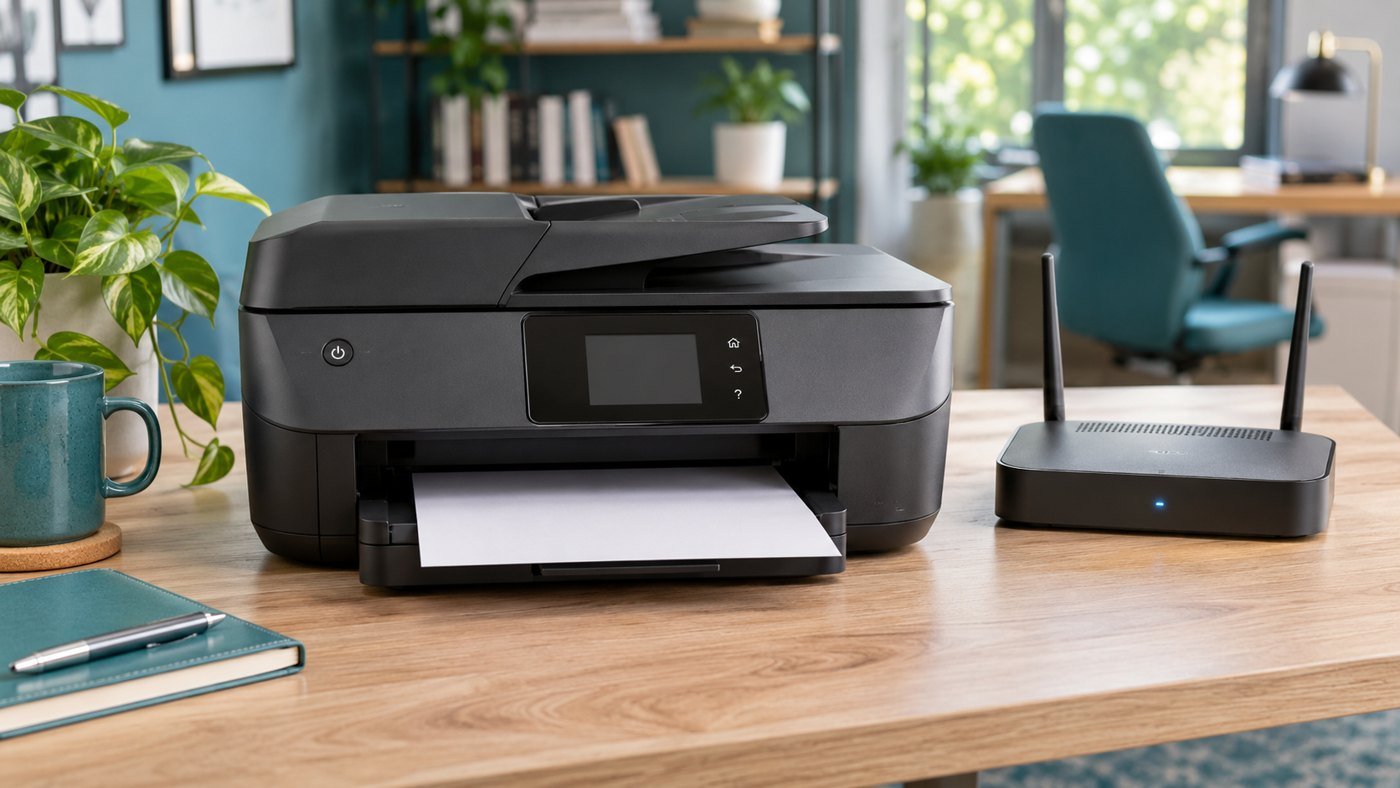
What we help you solve
Setup and connectivity
Connect a printer by Wi-Fi or USB, find its network name after a router change, and identify which queue reaches the machine.
Troubleshoot an offline printerPrint quality and paper
Compare a test pattern with a document to investigate streaks, missing colours or fading. Check tray, paper size and scaling when a page comes out wrong.
Investigate streaky printsScanning and copying
Compare a flatbed copy with a computer scan, trace lines to the feeder or glass, and choose settings for a readable multipage PDF.
Scan several pages into one PDF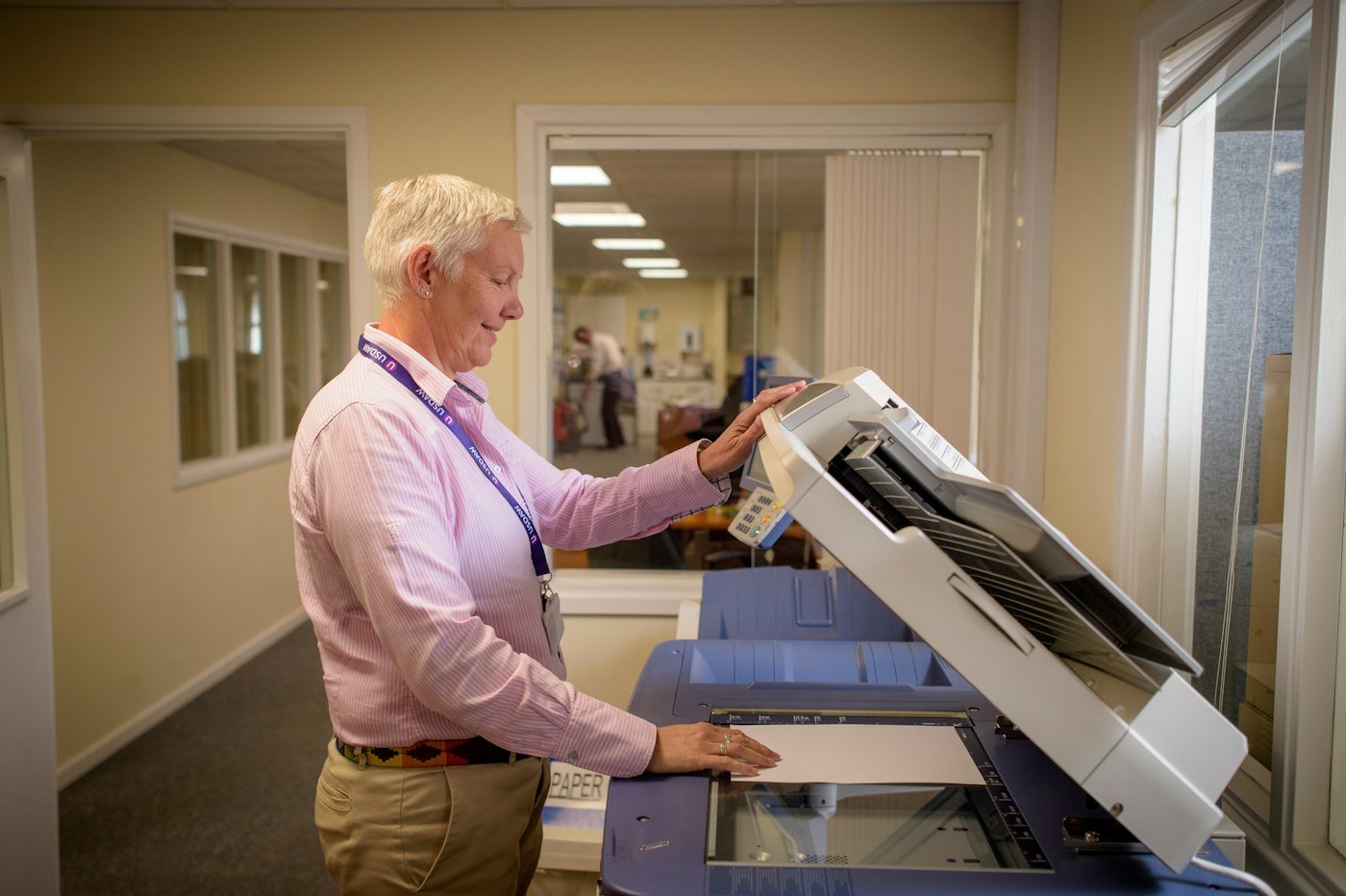
How our guides work
A clear photocopy and a streaky computer print give you two different clues. Our guides help you use that kind of comparison to decide where to look next.
- Identify the setup. Start with the full model number, the device sending the job and the connection between them.
- Change one thing. Run a small test such as printing a network report or copying a single sheet.
- Follow the result. Compare what happened with the guide, then use your model’s manual for its exact controls or maintenance instructions.
Contact Printemini
For help with a printer problem, include the model, the exact message on the screen and the last check you tried. If you spot a guide that differs from your model, send the page title and the step you saw.
Send a printer enquiryPrintemini
1207 Delaware Ave #2392
Wilmington, DE 19806, USA
+1 (804) 656-5569
Printemini is independent of the printer manufacturers we cover. For warranty claims and official driver downloads, use the manufacturer’s support service.